Can you play it on PC?
The Google Play listing says "Available on Android, Windows", and the Google Play Games on PC page for Warung Life Simulator shows a "Play on PC" button, 57 reviews and a 4.9 rating. It is the same game and the same version as on Android, so PC players got 1.3 too. NeoPaw Studio's own site lists only Android and iPhone, which is why the PC route goes through Google rather than the studio.
Install in three steps
- Download Google Play Games for Windows from Google and install it.
- Sign in with the same Google account you use on your phone.
- Search "Warung Life Simulator", check the developer is NeoPaw Studio, and press Install.
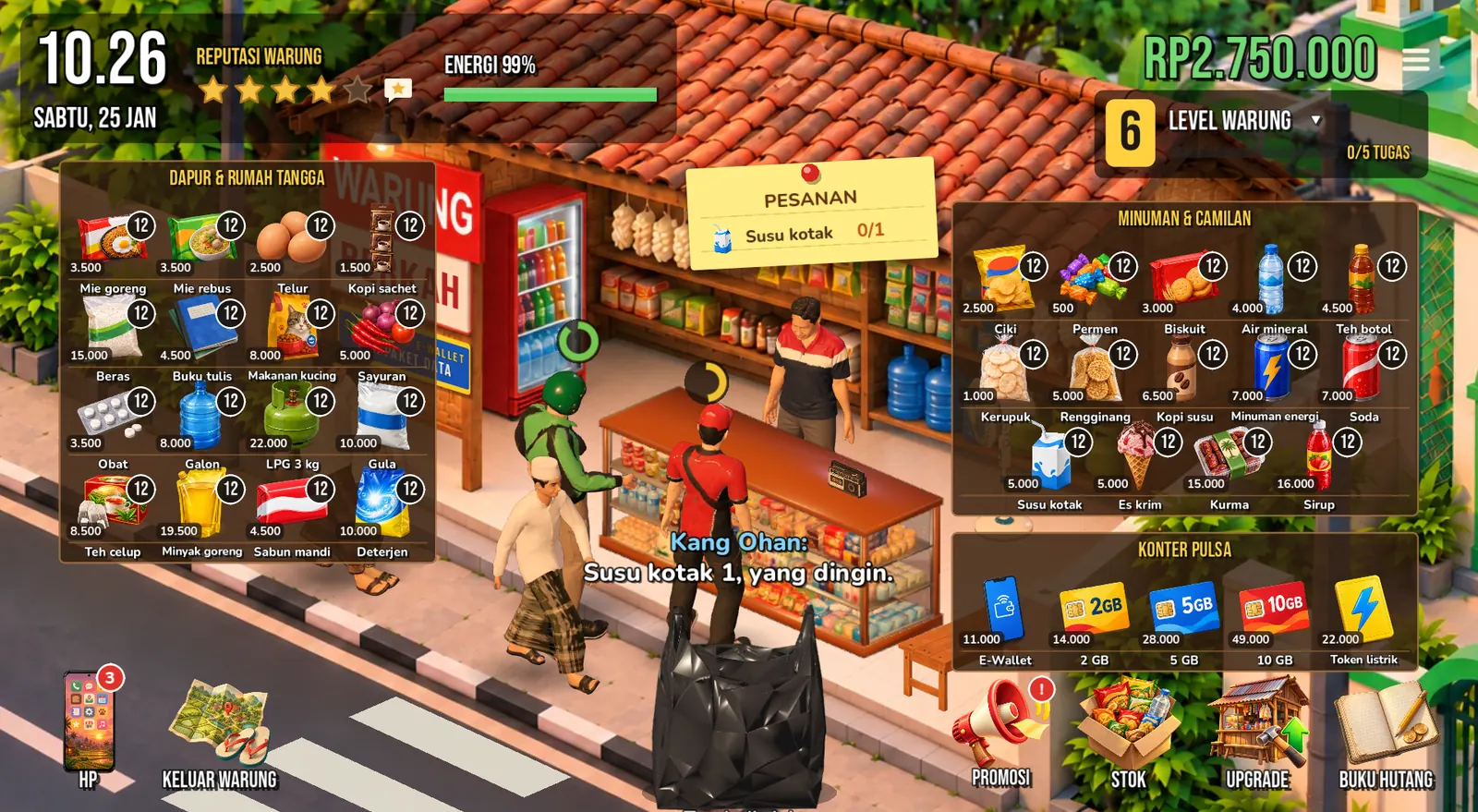
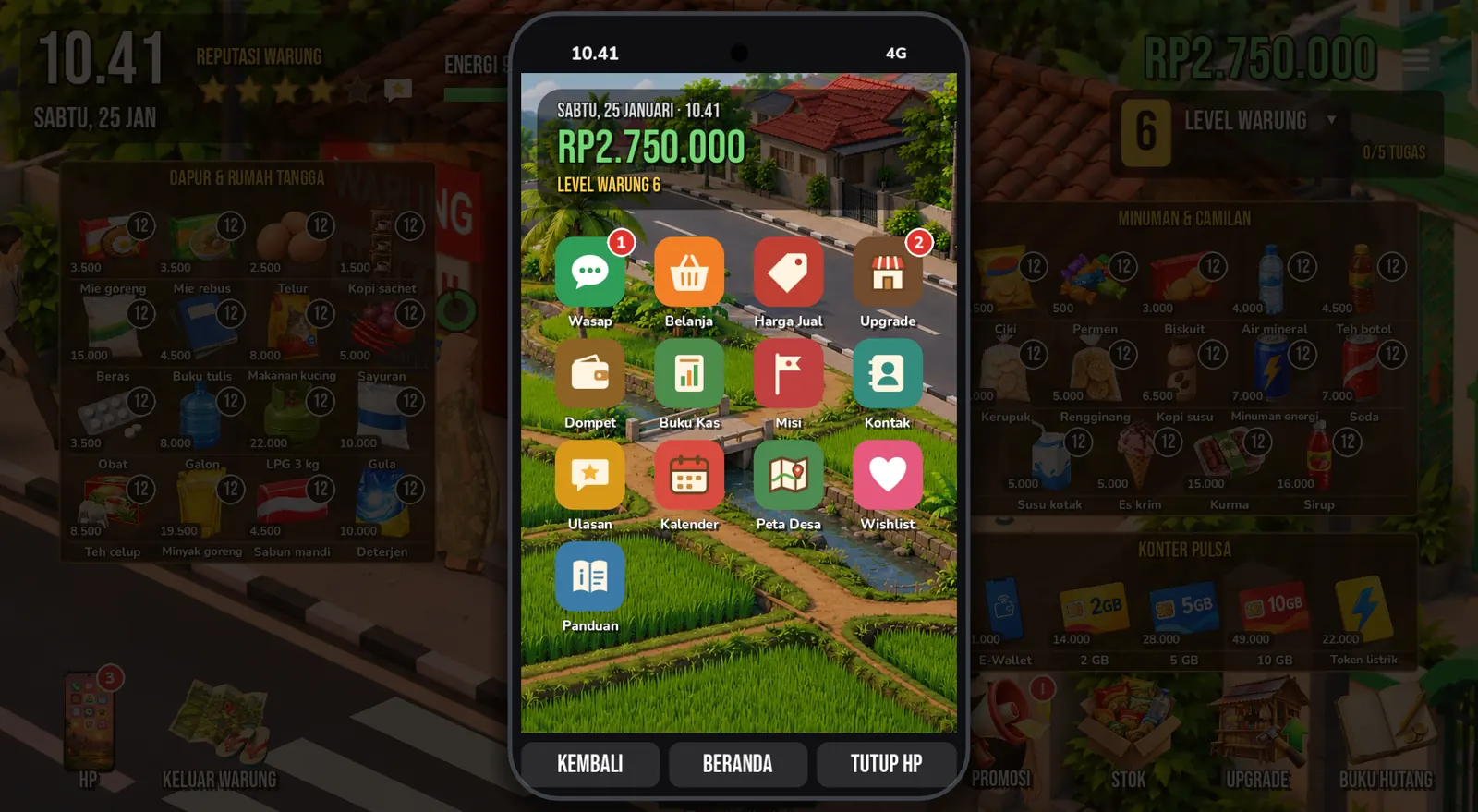
The screenshots on this page are from the phone version; the PC window shows the same scenes.
Minimum PC requirements
These are Google's general requirements for Google Play Games, as shown on the game's PC page, not limits set by NeoPaw Studio.
| Part | Minimum |
|---|---|
| Operating system | Windows 10 (version 2004) or later |
| Storage | SSD with 10 GB free |
| Graphics | Intel UHD Graphics 630 or similar |
| Processor | 4 physical CPU cores |
| Memory | 8 GB RAM |
| Account | Windows administrator account |
| Other | Hardware virtualisation turned on |
Keep your phone progress
Since version 1.0 the game can link a Google or Apple account for cloud saves. Link your Google account on the phone first, then sign in with the same account on PC. You can also restore with your Kode Warung from the pause menu. Do not play the same warung on two devices at once; the Kode Warung page explains why.
Mac, Steam and emulators
- Mac: no macOS version. The App Store listing covers iPhone and iPad only, and Google Play Games on PC runs on Windows.
- Steam: a Steam store search on 29 Nov 2026 found no Warung Life Simulator page.
- Emulators: not a route the studio supports; problems there cannot be reported as game bugs.
The other platforms people ask about are on Steam, Mac, Switch and browser.
Gameplay video
FAQ
Is Warung Life Simulator on PC?
Yes, on Windows through Google Play Games on PC. There is no standalone installer.
What PC do I need?
Windows 10 version 2004 or later, 8 GB RAM, an SSD with 10 GB free, 4 CPU cores, Intel UHD 630-class graphics and virtualisation turned on.
Can I continue my phone save on PC?
Yes, if you link the same Google account, or restore with your Kode Warung.
Is there a Mac version?
No. There is no macOS build, and Google Play Games on PC is Windows-only.
Sources
- Google Play Games on PC page — PC availability, 57 reviews, minimum PC specs; checked 29 Nov 2026
- Google Play listing, Warung Life Simulator — v1.3 notes, 500K+ downloads, 5.0 (8.59K reviews), Rated 7+; checked 29 Nov 2026
- App Store version history — release notes for 1.2, 1.1, 1.0, 0.39, 0.38, 0.37; checked 28 Nov 2026
- neopawstudio.com — studio page: platforms, languages, offline play, daily rhythm; checked 28 Nov 2026
- Steam store search — no Warung Life Simulator or Warnet Life entry; checked 28 Nov 2026
- App Store listing (Indonesia store) — v1.2, iOS 15.0+, 284.2 MB, 4.9 from 6.8K ratings, 9+; checked 29 Nov 2026