
What to send here
- A number, date or price that is wrong or out of date — include the page and where you saw the correct value.
- A new source: a store change, a studio post, a gameplay video showing something the tables miss.
- A broken link, a layout problem or text that is hard to read on your phone.
- Privacy questions about this site.
Address: [email protected]. Corrections are dated on the page they change.
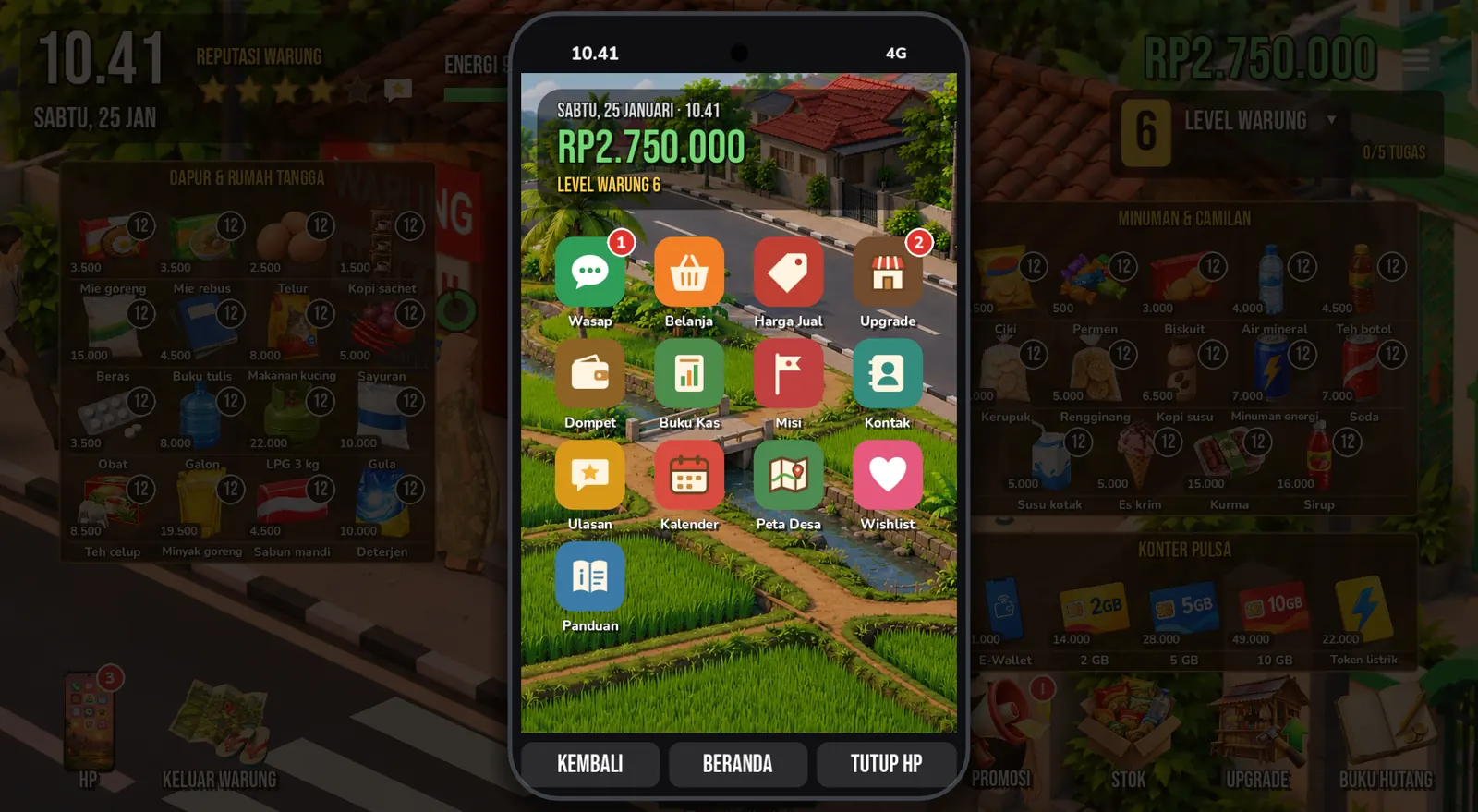
Game problems: contact the developer
| Problem | Who can help |
|---|---|
| Lost or broken save, transfer codes | NeoPaw Studio: [email protected] |
| Leaderboard or Adu Laris penalty appeal | NeoPaw player help form |
| Refund for a purchase | Google Play or the App Store |
| Ads still showing after paying | See troubleshooting, then the store |
FAQ
Can you restore my warung?
No. Only NeoPaw Studio can help with saves; email [email protected] with your Kode Warung if you have it.
Do you answer in Indonesian?
Yes, messages in English or Indonesian are both fine.
Sources
- neopawstudio.com — studio page: platforms, languages, offline play, daily rhythm; checked 28 Nov 2026
- NeoPaw player help form — support and penalty appeals; checked 28 Nov 2026
- NeoPaw Studio rules and terms (Aturan Main) — mod ban, penalties, refunds, promo codes; in force 28 Nov 2026; checked 28 Nov 2026